Relight in Photoshop
Vividon for Photoshop is a native panel plugin that lets you relight any image right inside your existing workflow. Open your photo, pick a light, and the result lands on its own non-destructive layer that you can mask, blend and fine-tune like any other.
Works on Mac and Windows, installs in under a minute, and supports every format Photoshop does: JPEG, PNG, TIFF, PSD and more, up to 4K. Prefer not to install anything? Use Vividon on the web instead.

Watch the two-minute tutorial
Compared to New Relight Layer
Photoshop 2027 added a Relight feature called “Relight Layer”, which lets you place up to three basic colored lights. Vividon starts from the look you want instead.
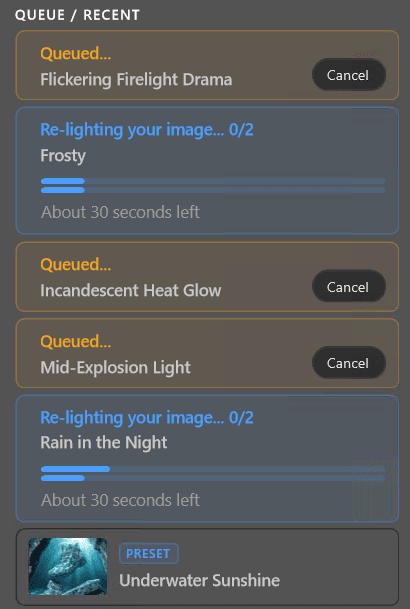
Vividon lets you pick one of 100+ lights curated by professional photographers, and builds it into your photo.
Or match a photo you like. Load a reference image and Vividon copies its light onto yours.
Vividon works on any kind of photo, from people and products to landscapes and interiors. It changes the light of the whole scene with complex, realistic shadows, and can turn day into night, move the sun, or add rain and fire.
You also get a free preview, and several variations from one run, so you can keep the best.
| Photoshop's Relight | Vividon | |
|---|---|---|
| How you set the light | Place up to three lights by hand and set their color, intensity and diffusion | Pick one of 100+ curated lights, match the light from a reference photo, or describe the light in words |
| What it relights | Limited to people and products | Any kind of photo. Change the light of the whole scene, casting complex, realistic shadows. Turn day into night or use dramatic lighting effects like moving the sun, adding rain and fire |
| Variations | One per render | Up to five per light, and several lights in one run |
| Photoshop versions | Photoshop 2027 | Photoshop 2023 (24.2) to 2027, plus the web |
| Resolution | Your image's full resolution | Up to 4K. Vividon 2 with 20K (300 MP) support is coming soon |
Have questions? Check out our frequently asked questions.